Exact location
Reports sent to a sector keep the reporter's point, from the phone's location or the place they searched, plus a Google Maps link. The public only ever sees a rounded location.
Utilities, municipal services and agencies receive problems reported by residents, with photos, a category, a description and the precise GPS point. Fewer phone calls, faster fixes.
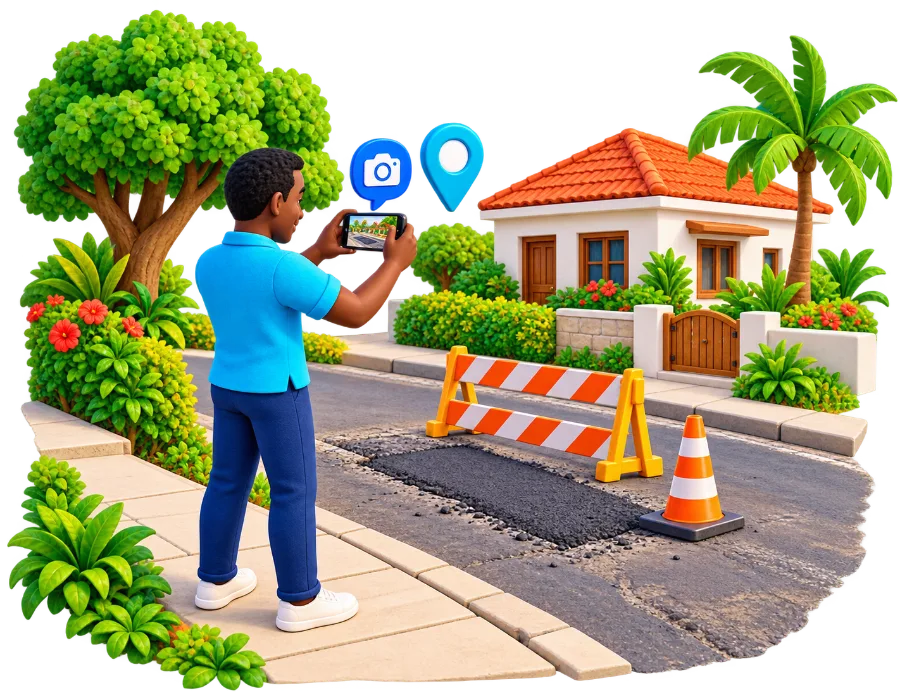
Reports sent to a sector keep the reporter's point, from the phone's location or the place they searched, plus a Google Maps link. The public only ever sees a rounded location.
Original report photos, category, description, time, status updates, evidence and comments in one place.
See whether a report is unverified, under review, verified, disputed or false, and how many people confirmed it.
Each staff member signs in with their own verified email and password. Access ends when they are removed.
A sector covers its whole country or an area you set (for example a city). Reporters only see the sectors that work at their location.
Staff open My Reports → Sector staff: open sector reports to see everything assigned to their sector.
Pull reports into your own ticketing or GIS tools with the Sector API.
A simple, secure REST API. Your staff sign in with their Jirani AI account and fetch the reports assigned to their sectors.
Full documentation is shared with registered sectors.
GET /api/v1/sector/reports?sectorId=…&updatedSince=2026-10-01T00:00:00Z
Authorization: Bearer <staff access token>

{
  "data": { "items": [{
    "title": "Water pipe leak at Ubungo",
    "category": "utilities",
    "verificationState": "unverified",
    "location": {
      "latitude": -6.79xxxx, "longitude": 39.21xxxx,
      "exact": true, "accuracyMeters": 6, "source": "gps",
      "mapsUrl": "https://maps.google.com/?q=…"
    },
    "images": [ … ]
  }] }
}Tell us your organisation, service area and the kinds of reports you handle.
We create your sector and link your team's Jirani AI accounts.
Residents can now choose your sector when they report.
Fix the problem and let the community see progress.
Water, power, roads, health, waste or security? Let's talk.